20 presets built in
Pixel cats, hearts, bows, paws — or upload your own PNG and tint it. Switch anytime from the popup.
Custom crosshair for Roblox — pick a preset or upload your own PNG. Cats, hearts, bows, plain rings. Works in MM2 and everything else you play.
selectedheart lock
glow86%
Nothing fancy under the hood — you pick a look, put it on screen, play.
Pixel cats, hearts, bows, paws — or upload your own PNG and tint it. Switch anytime from the popup.
Doesn't aim for you, doesn't edit game files, doesn't read your account. Draws a crosshair on your screen, that's all.
Size, opacity, glow — mess with it until it sits right. Settings stick after you close the popup.
Click one — it updates the mirror on the hero.
 Pixel Nyan
 Candy Kitty
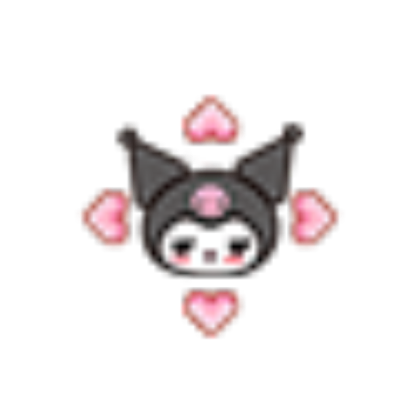 Dark Cupid
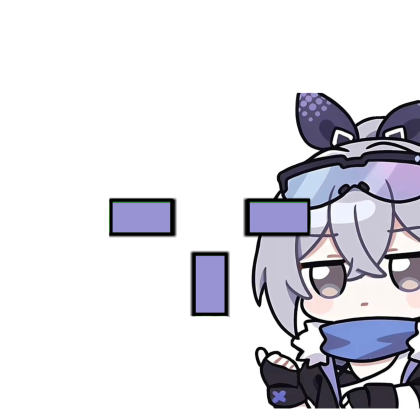 Violet Sidekick
Don't like the presets? Upload a PNG or remix one — size, tint, and glow live in the extension popup.
your file
Preview of the pack. The background changes only on roblox.com, from the extension.

Files are already at the root of the ZIP — no unpacking. Open Chrome Extensions, flip on Developer mode, drag the file in.
Grab the ZIPSave RBXCursor.zip — manifest.json and everything else is already inside, no folders to dig through.
Type chrome://extensions in the address bar and hit Enter.
Toggle in the top-right of that page. Chrome hides it by default.
Drop RBXCursor.zip anywhere on the Extensions page. Chrome installs it.
Pin the icon, open the popup, choose a crosshair. Then load Roblox or MM2 like usual.
chrome://extensions. The files inside are already laid out how Chrome expects.
It's a normal Chrome extension that only draws a crosshair on your screen. No file edits, no auto-aim, no login to Roblox through us.
Yes, of course — MM2, Adopt Me, and any other Roblox game you play in the browser.
Nope. The ZIP is ready as-is — drag RBXCursor.zip onto the Extensions page, don't extract it first.
Yep. Open the extension popup after install — size, opacity, glow, and all 20 presets are there. Changes save on their own.
Layers over whatever you're playing — cozy vibes, looks clean, nothing touches your game files.


DownloadingWhen it's done, drag RBXCursor.zip onto chrome://extensions